
Create images from words with z-image
z-image is a focused text-to-image model built for fast ideation and clean composition. On this page you write a prompt, pick an aspect ratio, and get a ready-to-use image back. Use it for product concepts, marketing visuals, thumbnails, and style exploration when speed matters.
z-image Generator
Create a task, then wait for completion. Keep your prompt specific—subject, context, lighting, and style—and iterate with small edits for consistent improvements.
Generate once to see your first result.
Prompt playbook for z-image
If you want stronger first drafts, treat your prompt like a creative brief. z-image performs best when the prompt answers three questions: what is the subject, what is the scene, and how should it look. The examples below are intentionally practical so you can reuse them across z-image projects.
Use this order: subject, environment, lighting, camera, style.
z-image doesn't need fancy keywords. Clear nouns and adjectives beat long lists. If the scene is too busy, remove one clause and rerun z-image.
Add one compositional anchor: "centered", "rule of thirds", "close-up", "wide shot", or "over-the-shoulder". Then specify one background constraint: "clean backdrop", "bokeh city lights", or "soft gradient wall".
When you change aspect ratio, re-check composition and negative space. z-image will follow the frame you describe.
For realism: add a lens and light source ("50mm", "soft window light"). For illustration: add medium cues ("vector poster", "ink linework"). For product shots: add material and surface ("matte plastic", "marble table").
If a detail keeps drifting, move it earlier in the prompt and make it explicit. z-image is sensitive to ordering, and z-image improves quickly when you iterate one change at a time.
z-image Features
z-image is designed to be simple on purpose: one model, one job, and predictable results. The best way to get more from it is to write prompts like briefs, not riddles. Below are the core ideas we recommend for everyday work with z-image.
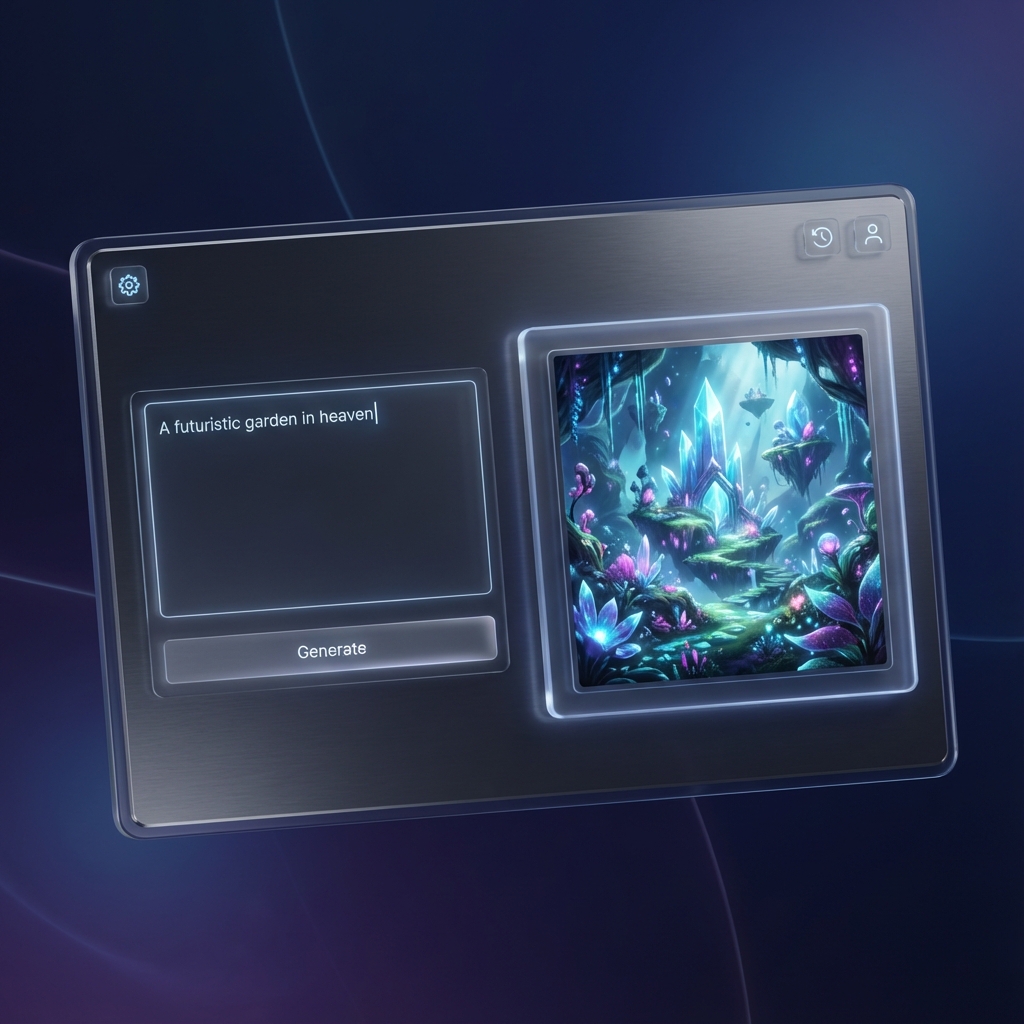
Describe, choose a ratio, and generate
Write a clear prompt, select an aspect ratio, and let z-image do the rest. The flow is designed for fast iteration: tweak a few words, regenerate, and compare results without leaving the page.
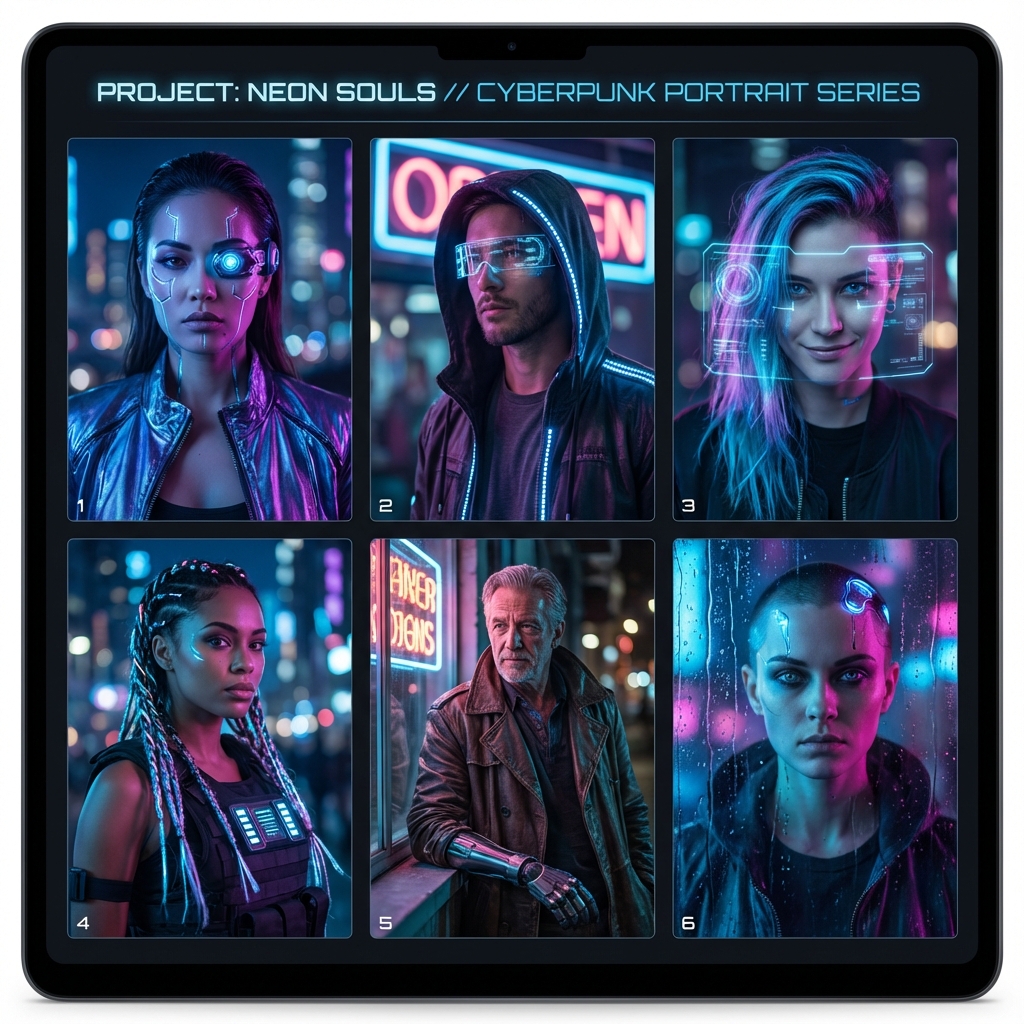
Consistent style control for teams
z-image rewards specificity. Add composition, lighting, lens, and mood, then reuse that structure across a campaign for repeatable outputs.
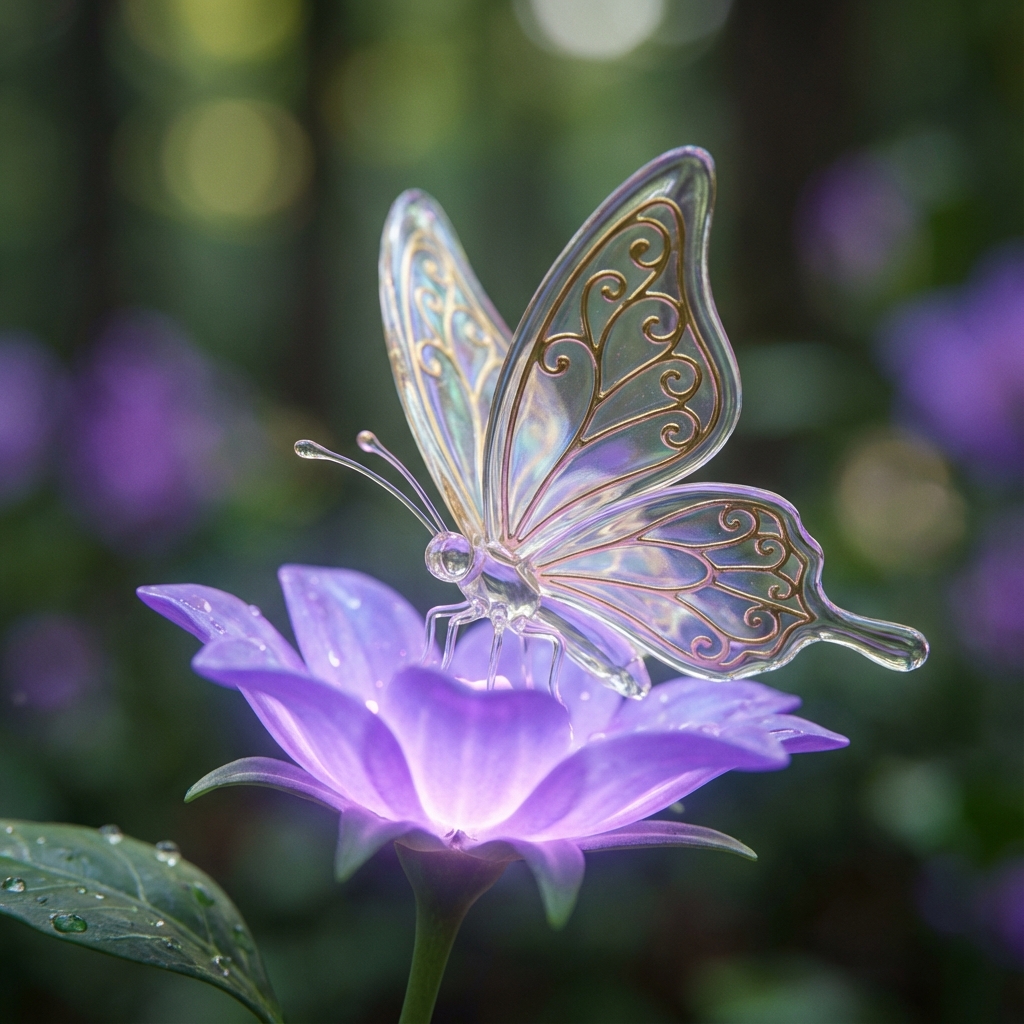
Quality-focused prompts, not prompt hacks
z-image works best with natural language. Use plain descriptions and focus on subject, environment, colors, camera, and materials for cleaner images.
z-image Gallery
These are lightweight style samples to inspire your next prompt. Each thumbnail represents a different direction: photo, illustration, layout, or 3D. Click any card to open it full size, then adapt the idea for your own z-image workflow.
FAQ
Quick answers to common questions about z-image, prompts
Ready to generate your next image?
Start with a simple brief, pick your frame, and let z-image deliver a clean first draft. Iterate quickly, save the winners, and ship visuals that match your style.